BLUETTI Power Stations: Portable Backup vs. Home Circuit Backup
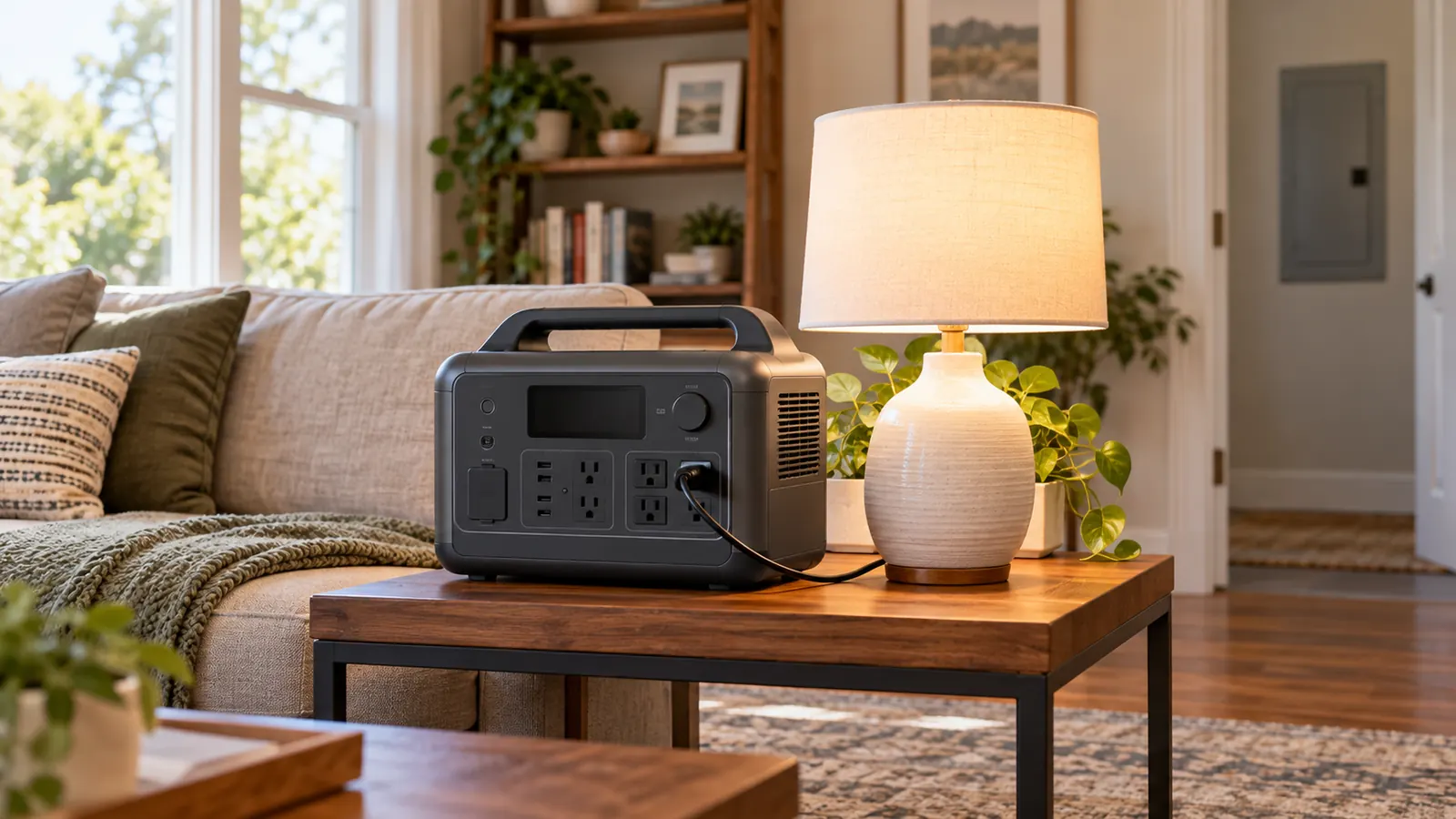
A portable BLUETTI power station can supply compatible devices directly, while supplying your home’s existing circuits requires a compatible home-integration plan. These are different uses. Choose the connection method and essential loads before comparing battery capacity or buying accessories.
For a homeowner in the Atlanta area, a useful starting question is: “Do I want to plug a few devices into a battery, or keep selected household circuits operating?” The answer determines whether the project is primarily a portable-device purchase or also an electrical installation.
Two backup plans to compare
| Planning point | Direct device backup | Home circuit backup |
|---|---|---|
| What receives power? | Compatible devices connected to the station’s outputs | Selected circuits through suitable integration equipment |
| Main checks | Output limits, device loads and expected energy use | Those checks plus the model-specific electrical connection plan |
| What to prepare | A list of the devices you need | A list of essential circuits and the exact equipment models |
Use the manual for the exact model
BLUETTI’s official user-guide directory separates product manuals and home-backup guidance by model. It includes a dedicated partial-home-backup guide for the AC500 and B300S combination. That is evidence of a model-specific integration path, not permission to connect any BLUETTI station to any electrical panel.
Before ordering, record the exact station, expansion battery and intended connection equipment. Ask which output, voltage arrangement and operating mode the manufacturer supports for your plan. Do not assume an accessory for one product family is interchangeable with another.
Watts and watt-hours answer different questions
Watts describe power demand or output; watt-hours describe energy. A device may fit within the station’s power limit but still use its stored energy faster than you want. Starting demand, multiple devices operating together and the manufacturer’s operating limits also need consideration.
Here is a deliberately simplified calculation, not a product test: 1,000 Wh divided by a constant 100 W load equals 10 hours in an idealized calculation. Actual runtime will differ because of conversion losses, the station’s own consumption, available battery energy and changing device demand. Do not treat that arithmetic as a promised runtime for a BLUETTI model.
Home wiring requires a different connection plan
BLUETTI’s AC500+B300S partial-home-backup guide describes supported arrangements and connection conditions for that equipment. Have the electrician work from the applicable current instructions rather than a generic diagram found online.
Never improvise a connection from a power station’s AC output into a wall receptacle to energize house wiring. Such an arrangement can defeat the intended separation between the backup source and utility supply. CPSC’s generator safety guidance similarly warns against backfeeding a house through an outlet. That guidance concerns generators; it should not be mistaken for a BLUETTI installation manual.
Plan the loads before assuming whole-home backup
Write down the devices or circuits that matter most during an outage, how long you need them, and which can remain off. Identify appliances with substantial starting demand or a different supply-voltage requirement, and have their compatibility checked against the selected system.
Ask the electrician to explain the proposed circuit arrangement, suitable transfer equipment, any permit or inspection requirements, and how the equipment will be operated. A panel replacement is not automatically necessary simply because you want backup power.
Mason Electric’s electrical panel assessment and upgrade service can be a starting point for discussing the existing panel and planned loads. Request a clear scope before purchasing home-integration hardware.
Make charging part of the backup plan
Ask how the chosen system will recharge, which sources it accepts and what its manual requires during charging and backup operation. Solar input, pass-through operation and automatic switching are model-specific features; do not infer them from the brand name. If you are weighing a portable solar kit to charge an electric vehicle, see what peak watts do and don’t tell you about daily range.
For a few portable devices, begin with a device list and model manual. For household circuits, begin with those details and an electrical assessment. That keeps the equipment purchase aligned with the backup you actually need.